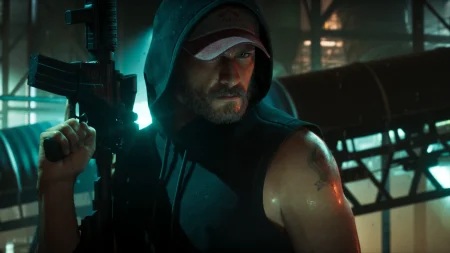
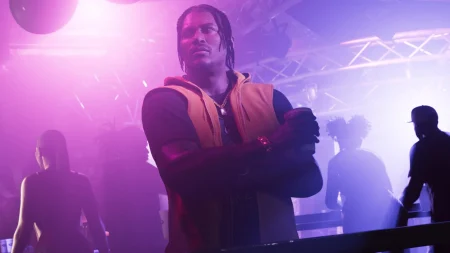
The Key Fact: There Is No GTA 6 Server to Be Down
Searches for GTA 6 server status are already rising, and several “is GTA 6 down” tracker websites launched in the week before release. They are built on a misunderstanding.
GTA 6’s story mode is single-player, and the game has no Rockstar multiplayer servers at launch. There is no GTA 6 server that can go down, fill up or lock you out.
That means any tracker claiming GTA 6 is down before 19 November is measuring nothing real. The game is not out yet, and even after launch there is no GTA 6 server behind it.
When something does go wrong on launch night, it will almost always be the platform layer: PlayStation Network, Xbox Live, the stores, licence checks or download servers.
Key Takeaways
- GTA 6 is single-player at launch with no Rockstar multiplayer servers
- A GTA 6 “server status” tracker has nothing real to measure
- Launch-night problems will come from PSN, Xbox Live, stores and licence checks
- Check the official PlayStation and Xbox status pages first, not tracker sites
- A licence error is a platform account problem, not a GTA 6 outage
Part 1 — Why Tracker Sites Cannot Measure GTA 6
A server status page works by checking a game’s online services. GTA 6 offers no such service for a tracker to check, because its story mode runs on your console.
The trackers that appeared this week mostly recycle reports, guesses and social media posts. A spike on one of those pages shows that players are worried, not that anything has failed.
Before launch, the point is even simpler: the game unlocks on 19 November. A tracker reporting an outage for an unreleased game is reporting nothing at all.
Even after launch, judge problems by the official platform status pages first. Those pages measure real services that GTA 6 actually depends on.
The searches behind these trackers are understandable. Players remember GTA Online outages, when Rockstar’s servers really can fail and lock everyone out at once.
GTA 6 simply is not built that way at launch. There is no lobby to fill, no session to drop and no server queue to sit in, because the story runs entirely on the console in front of you.

Part 2 — What Actually Breaks on Launch Night
Launch night puts heavy load on the platforms, not on Rockstar. Millions of players unlock, download and verify the game in the same few hours.
The failures players hit will come from that layer. PlayStation Network or Xbox Live can slow down or drop under the load, and the PlayStation and Xbox stores can struggle to serve pages and purchases.
Licence checks can also fail. Your console regularly confirms that your account owns the game, and when the platform’s systems are overloaded, that confirmation can fail even though your purchase is fine.
Downloads run on platform servers too. Our guide to GTA 6 download and install errors covers the download problems players are most likely to meet and what each message means.
Part 3 — How to Check PlayStation Network
If the game will not start on PS5, check PlayStation’s official status page before anything else. It lists each PlayStation Network service and whether it is running normally.
Look at the entries for account management, gaming and social, and the PlayStation Store. A problem in any of those can block a launch, a licence check or a download.
If the page shows a service problem, the fault is at PlayStation’s end. There is nothing to fix on your console, and the answer is to wait for the service to recover.
If everything shows as running normally, the problem is more likely local: your connection, your download, or your licence. Restoring licences in the PS5 settings is the usual next step for ownership errors. Our explainer on a redeemed code not appearing in your library covers that ownership problem in detail.
Part 4 — How to Check Xbox Live and Spot a Licence Error
On Xbox, the official Xbox status page plays the same role. It breaks Xbox Live down by service, including account sign-in, store purchases and game launches.
Check that page first when GTA 6 will not open. If a service you need shows as limited or down, the outage is Microsoft’s, and waiting is the correct fix.
A licence error looks different. The game is installed, your connection works, but the console says you do not own the game or cannot verify it. That is the licence check failing, not a server outage.
Licence problems usually clear by signing in with the purchasing account, restarting the console, or simply waiting for the platform to recover. They do not mean your copy has been taken away.
The wording of the error is the clue. Messages about ownership, verification or licences point at the account check. Messages about connections and services point at the network. Each has a different fix, and neither involves a GTA 6 server.
That is why the Xbox status page matters even when your internet is clearly working. The licence check depends on Xbox Live services, not on your home connection alone.
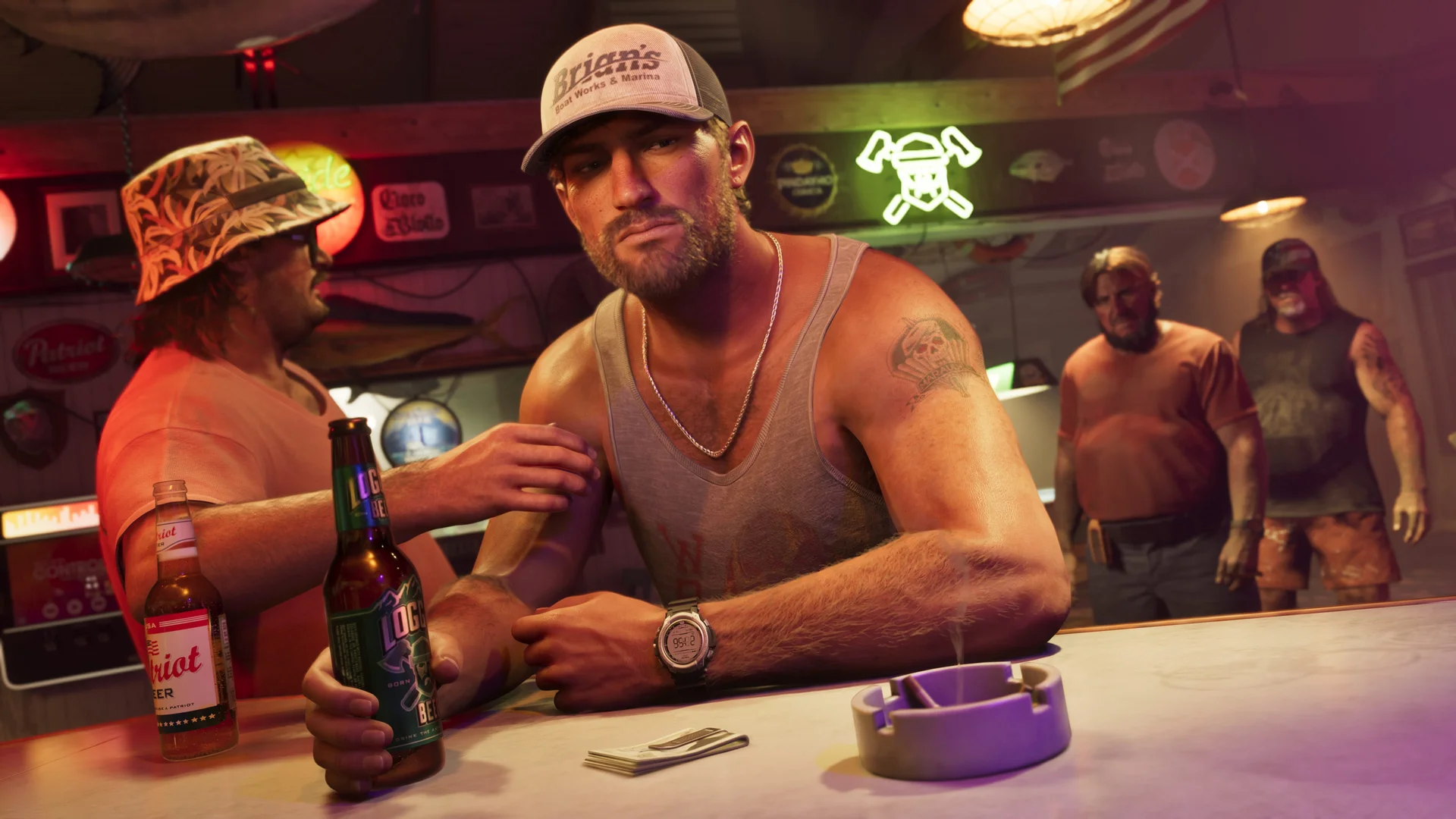
Part 5 — Where Rockstar Announces Real Problems
For anything that genuinely is Rockstar’s side, the announcement will come through Rockstar’s own support channels. That is where the company posts known issues and fixes.
Rockstar’s support site and its official support posts are the only Rockstar sources worth trusting on launch night. Fan accounts repeating outage claims are not announcements.
It is also worth knowing when you should be playing at all. Our guide to what time GTA 6 releases sets out the unlock timing, because a game that has not unlocked yet can look exactly like an error.
Combine the two habits: check the platform status page for services, and Rockstar’s support channels for game-specific news. Between them, every real launch problem is covered.
Frequently Asked Questions
Is GTA 6 down right now?
There is no GTA 6 server to be down. The story mode is single-player with no Rockstar multiplayer servers at launch, so any current outage claim is not measuring anything real.
Why do tracker sites say GTA 6 is down?
Those sites launched in the week before release and mostly recycle reports and social posts. They cannot check a GTA 6 service because no such service exists.
What will actually cause launch-night problems?
The platform layer: PlayStation Network, Xbox Live, the stores, licence checks and download servers. Heavy launch load lands on those systems, not on Rockstar.
How do I check if PlayStation Network is down?
Use PlayStation’s official status page. Check the entries for account management, gaming and social, and the PlayStation Store before changing anything on your console.
How do I check if Xbox Live is down?
Use the official Xbox status page, which lists each Xbox Live service separately. If a service you need is shown as limited or down, the fix is to wait.
What does a licence error mean?
It means your console could not confirm that your account owns the game. It is a platform account problem, often caused by overloaded services, and it usually clears on its own.
Where does Rockstar announce real GTA 6 problems?
Through Rockstar’s own support channels, including its support site and official support posts. Those are the only Rockstar sources to trust for known issues.
My download is stuck. Is that a server problem?
Downloads run on PlayStation and Xbox servers, so a stuck download is a platform or connection issue. It is never a GTA 6 server, because there is none.
Can GTA 6’s story mode go down like GTA Online?
No. GTA Online depends on Rockstar’s servers; GTA 6’s story mode runs on your console. There is no server whose failure can take the story offline.
Should I trust a status page before 19 November?
No. Before launch the game is not playable at all, so any status shown for it is meaningless. Judge the game only by platform status pages after it unlocks.
The Sensible Way to Judge Launch Night
When GTA 6 will not start, skip the tracker sites entirely. Check the official PlayStation or Xbox status page, consider whether you are looking at a licence error, and check Rockstar’s support channels for announced issues. The game itself has no server to blame — and knowing that saves you an evening of chasing the wrong problem.