The Short Answer: Layer Your Defences
Spoilers for GTA 6 are already moving, and the risk peaks between now and launch day on 19 November. No single setting keeps you safe — what works is layering: mute spoiler words on X, clean up YouTube and TikTok, step back from Reddit, and lock down your console messages.
Do those four things today and the odds of a story beat reaching you before launch drop sharply. Each part below takes a few minutes, and you can undo all of it once you are playing.
Key Takeaways
- Mute ending, leak and character terms on X — text posts are the fastest spoiler route
- Train YouTube now: “Not interested”, “Don’t recommend channel”, and a paused watch history
- Filter keywords on TikTok and avoid Shorts and Reels until launch
- Mute or leave GTA communities on Reddit and Discord for the next nine days
- Set PlayStation and Xbox messages to friends only, and do not forward leaked clips to anyone
Part 1 — Why the Spoiler Risk Peaks This Week
Three things collide at once. Review copies are in players’ hands, boxed copies have been photographed in the wild since 7 November (reported), and midnight local unlocks mean New Zealand players start hours before everyone else.
The boxed copies are the smaller risk — the physical edition is a code in a box, so a photo of a box cannot leak gameplay. The real flow comes from digital copies: early footage, ending clips and screenshots posted where algorithms push them fast.
The 2022 GTA 6 leak showed how quickly unfinished footage spreads once it is out. This time the footage will be final, sharable in seconds, and clipped into Shorts and Reels within hours.
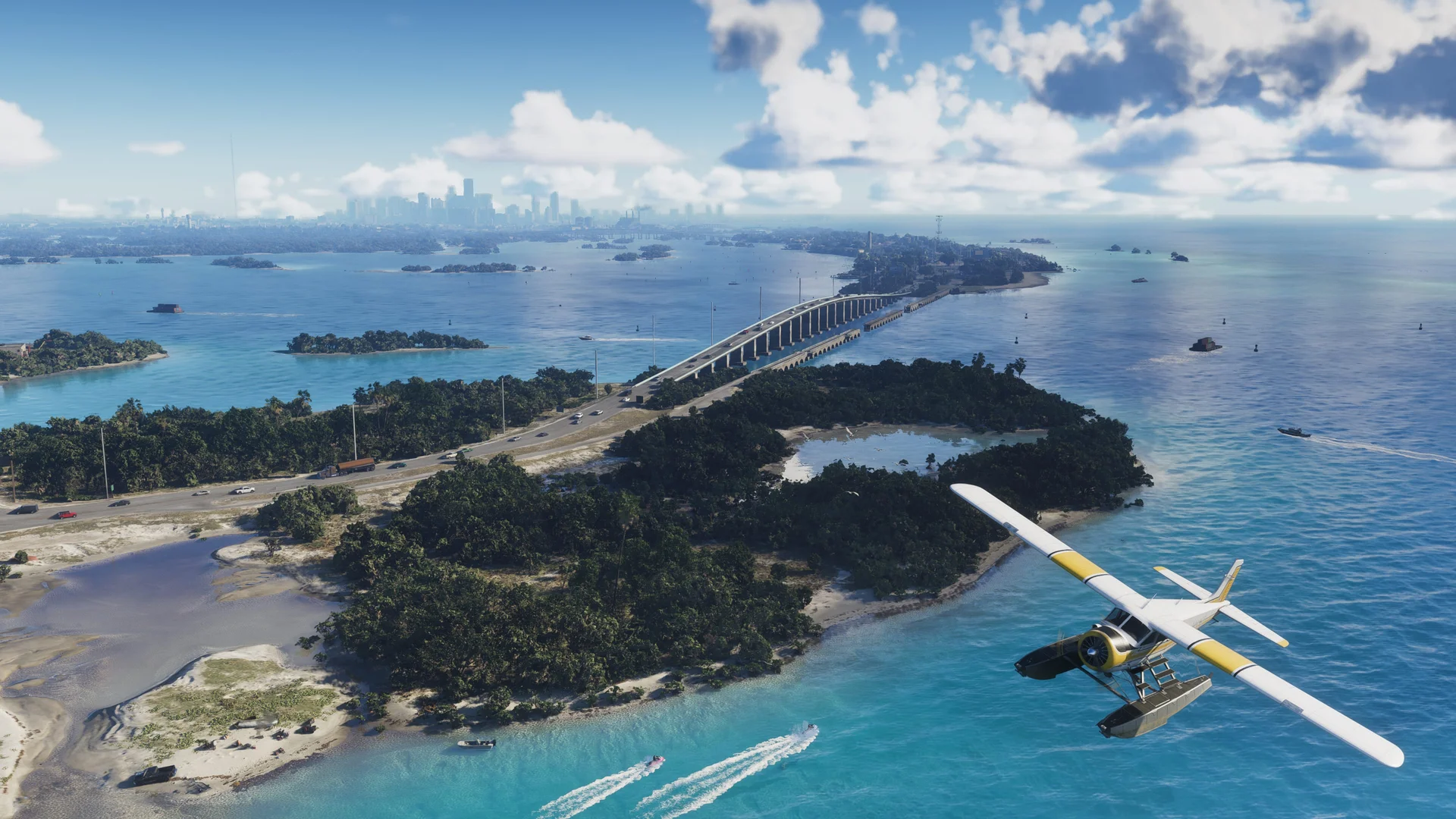
Official Rockstar Games image, via rockstargames.com
Part 2 — Mute These Words on X First
X is where spoiler text travels fastest, because a single post with the ending spelled out needs no video at all. Go to Settings → Privacy and safety → Mute and block → Muted words, and add terms for the “Home timeline” and “Notifications”, from “Everyone”.
Start with: GTA 6 ending, GTA VI ending, GTA 6 final mission, GTA 6 spoiler, GTA 6 leaks, GTA 6 leaked ending. Then add character-focused terms people use when discussing late-story events: Jason dies, Lucia dies, GTA 6 betrayal, GTA 6 twist.
Muted words filter text, not pictures. A screenshot with no caption can still slip through, so treat replies and quote posts as risky even with a strong mute list.
Part 3 — Clean Up YouTube Before It Suggests a Spoiler
YouTube’s home feed and Shorts shelf are the most likely place a thumbnail spoils you — one frame of a final mission is enough. Train the algorithm now, while the videos being pushed are still trailers and speculation.
On every GTA video you do not want more of, use the three-dot menu: “Not interested” on single videos, and “Don’t recommend channel” on leak-focused channels. Then go to Settings → History and turn on “Pause watch history” until launch, so one accidental click does not retrain your feed.
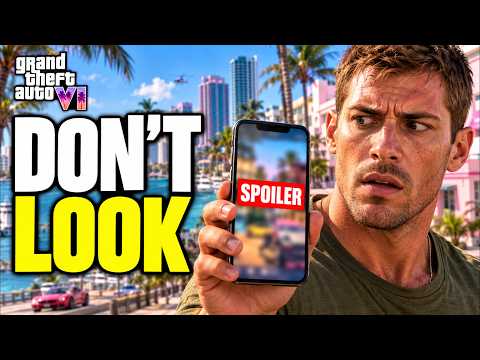
Turn off autoplay as well. A spoiler video that starts by itself while you are making tea is the cruellest way to lose a nine-day streak. The walkthrough below runs through these same settings on screen.
Part 4 — Filter TikTok and Short-Form Feeds
TikTok’s keyword filter lives under Settings → Content preferences → Filter keywords. Add the same ending, leak and final-mission terms from your X list — filtered videos simply stop appearing in your feed.
For anything GTA-related that still appears, long-press and tap “Not interested” every time. The honest extra step: stay off Shorts and Reels entirely until launch. Short-form feeds are built to surface the most shocking clip first, and that is exactly what you are avoiding.
Part 5 — Step Back From Reddit and Forums
Reddit’s spoiler tags only work when posters use them, and in launch week plenty will not — by accident or for attention. The only reliable move is to mute the big GTA communities (the mute option sits in each community’s menu) or leave them until you are playing.
Avoid the front page and r/all as well: a single upvoted ending post can surface there with the spoiler in the title, where no tag can hide it. Forum threads about leaks are best left unopened, even the ones promising to discuss them “without spoilers”.
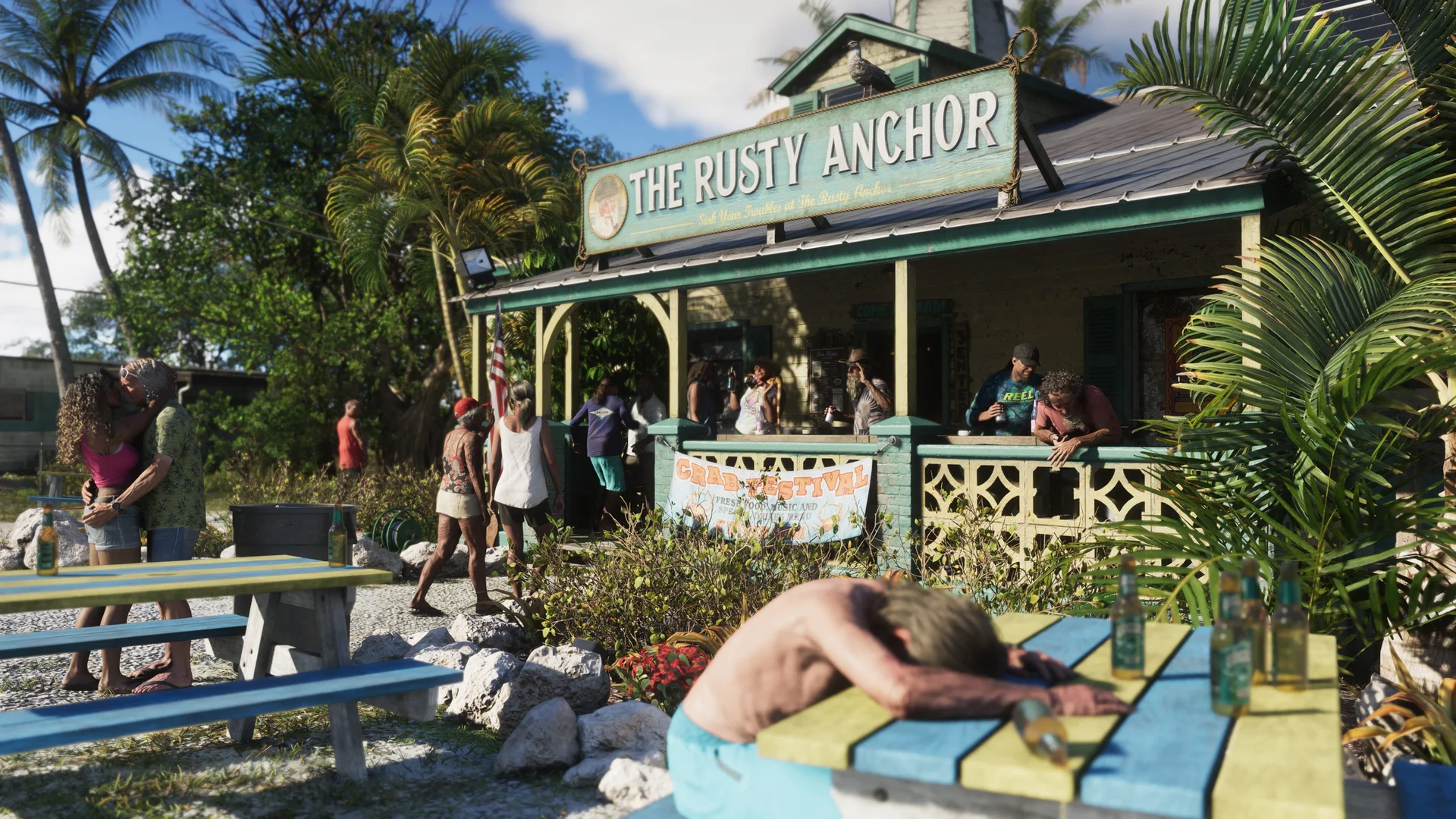
Official Rockstar Games image, via rockstargames.com
Part 6 — Lock Down Discord, Messages and Console Chats
The spoiler you least expect arrives from a friend who thinks you have already seen it. Mute GTA Discord servers and group chats until launch, and tell your friends plainly that you are going dark — most people respect it when asked.
On your console, set messages to friends only (or no one) for the next nine days: PlayStation’s privacy settings and Xbox’s message safety settings both allow it, and both are easy to switch back on 19 November.
Your PS5 itself can help, too. The console has a system-level Spoiler Warnings setting — Settings > Saved Data and Game/App Settings > Spoiler Warnings — which hides game-related thumbnails and activity cards that could give away story moments. It resurfaced widely on 13 November (via BGR) as players prepared for launch week.
Turn it on now, alongside the message limits above. It will not catch everything — it covers the console’s own cards and thumbnails, not social feeds — but it closes one more door a spoiler could walk through.
One more rule that protects everyone: if a leaked clip lands in your hands, do not forward it. Sharing is how most players get spoiled — and how most spoilers spread in the first place.
Part 7 — Read News and Reviews Without Getting Burned
You do not have to vanish completely. Scores and verdicts are safe to read — knowing when GTA 6 reviews come out lets you read them on a site you trust instead of through a social feed. Stick to the score and the closing verdict, and skip the comments entirely.
Video reviews carry thumbnail and early-footage risk, and headline writers sometimes give away more than they should. The safest reading is text you choose deliberately — like our breakdown of what is confirmed versus rumoured, which uses officially released material only. The single biggest risk is YouTube’s 24-hour launch livestream, which shows live gameplay from the moment the game unlocks.
Everything officially known about the GTA 6 story comes from the trailers and Rockstar’s own pages. If a claim about the plot cannot be traced back to those, treat it as exactly the kind of thing this guide is helping you avoid.
Part 8 — Your Launch-Day Plan
Pre-load began today, 10 November, so download the game now and stop browsing for information you no longer need. Every extra day of searching is another day of exposure.
Check what time GTA 6 releases in your region, keep your console in rest or sleep mode so the download finishes, and plan to be playing — not scrolling — when the unlock lands at midnight local time on 19 November.
Once you are a few hours into the story yourself, the danger drops fast. Total safety only comes when you finish the main story, but the heaviest spoiler window closes after launch weekend.
Frequently Asked Questions
When will GTA 6 spoilers start appearing?
They are already appearing in small numbers, and the flow grows as reviews land and early regions unlock. The riskiest window is the 48 hours around 19 November.
What words should I mute first?
Start with ending, final mission, spoiler and leaks terms, then add character names paired with words like dies, betrayal and twist.
Do muted words on X also block photos and videos?
No — muting filters text only. Captions are usually caught, but a bare screenshot can still appear, which is why replies and quote posts stay risky.
How do I stop YouTube recommending spoiler videos?
Use “Not interested” and “Don’t recommend channel” on GTA content now, pause your watch history until launch, and turn off autoplay.
Are YouTube Shorts and TikTok really that risky?
Yes. Short-form feeds push the single most shocking clip to the top, and ending clips are exactly what gets clipped first.
Should I leave GTA subreddits until launch?
Mute or leave them — spoiler tags depend on posters using them honestly, and front-page posts can put a spoiler right in the title.
Can a friend spoil the game through console messages?
Yes, easily. Set PlayStation and Xbox messages to friends only for the next nine days, and tell your group chats you are going dark.
Is it safe to read GTA 6 reviews before playing?
Scores and closing verdicts on a site you trust are low risk. Avoid video reviews, thumbnails and the comments under any review.
Are the boxed copy photos going around a spoiler risk?
Not really. The physical edition is a code in a box with no disc, so box photos cannot leak gameplay. The risk is digital: review and early copies.
When is it safe to go back online normally?
The danger drops sharply once you are playing, and again after launch weekend. Full safety only comes once you have finished the main story.
The Final Stretch
Nine days is all you have to defend. An hour spent today on mute lists, filters and message settings buys you the rarest thing in modern gaming: a story you experience first, at your own pace, exactly as its makers intended.
Go dark, stay dark, and let launch night feel like launch night. Leonida will still be there on 19 November — unspoiled.