
The Controls Leonida Never Puts on a Tutorial Card
GTA 6 teaches you how to run, shoot and drive, then quietly leaves some of its best everyday controls completely unexplained. You can sit down almost anywhere, eat and drink behind the wheel, listen to the radio on foot through earbuds, cycle wider camera views and leave for the main menu without closing the game.
None of these need unlocking. They work from your first hours in Leonida, on both PS5 and Xbox Series X|S, as long as you know the inputs. This roundup pulls each one from post-launch guides and the game’s own control scheme screens, and flags the one or two details that still rest on a single report.
For the complete button layout behind these tricks, keep our full GTA 6 controls list open alongside this page. The two guides are designed to sit together: that one lists everything, this one pulls out what players actually miss.
Key Takeaways
- Hold Circle on PS5, or B on Xbox, to rest: Jason and Lucia sit on grass or sand, lean on walls, or simply relax where they stand.
- Food and drink stay in your hand while you drive, run and even shoot, and the contextual R1 or RB prompt uses them on the move.
- Buy earbuds or headphones at an electronics store, then hold Left on the D-Pad to open the radio wheel on foot, with podcasts one flick away.
- Quick Navigation hides on a held D-Pad Down, slowing time and listing nearby places you can set as a destination without opening the full map.
- Camera distance and height are adjustable, and a reported shortcut cycles three camera positions without pausing.
- Pausing with Options or Menu freezes the world completely, and the pause menu is also your route back to the main menu.
Part 1 — Sit Anywhere With the Rest Input
The most shared discovery of launch week is also the simplest. On foot, hold Circle on PS5 or B on Xbox and your character uses the game’s Rest input.
GTABase’s controls guide, taken from the game’s own scheme screens, lists Rest as exactly that hold, sharing the button with a tap for Crouch. Kotaku’s hands-on report describes what happens next, and it depends on where you are standing.
On grass or sand, Jason and Lucia sit down properly and settle in. On hard ground they lean back on one foot and relax instead. Stand near a wall and they rest against it, which looks far cooler than it has any right to.
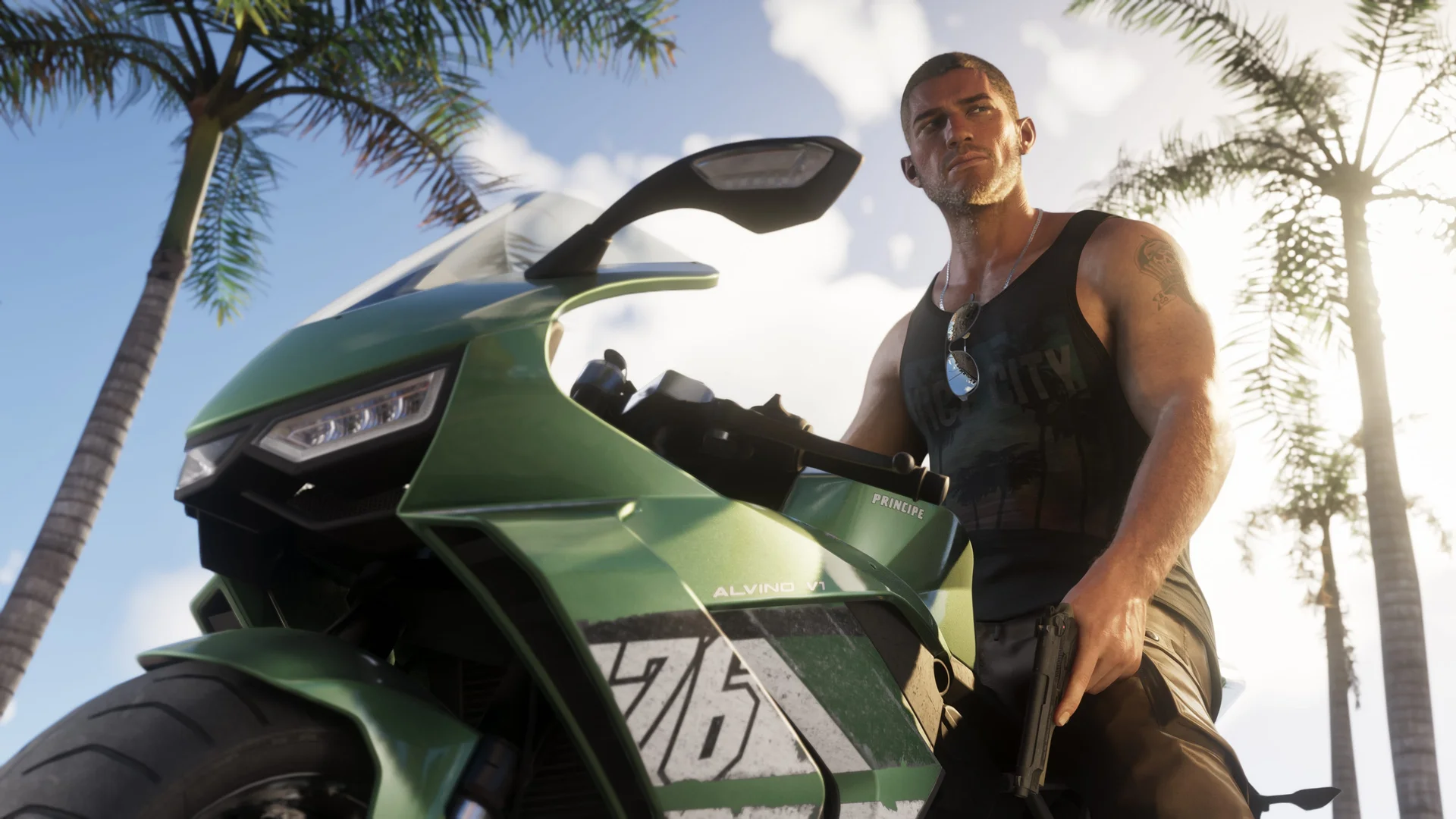
Resting is more than a photo opportunity. It is the calmest way to wait out a few in-game minutes, watch an area before a job, or simply take in Leonida. Pair it with the phone camera and it becomes the easiest posed screenshot setup in the game.
One warning: Rest shares its button with Crouch, so a short tap crouches and only a deliberate hold sits you down. In a tense moment, that difference matters.
Part 2 — Eat and Drink While Driving, Running and Shooting
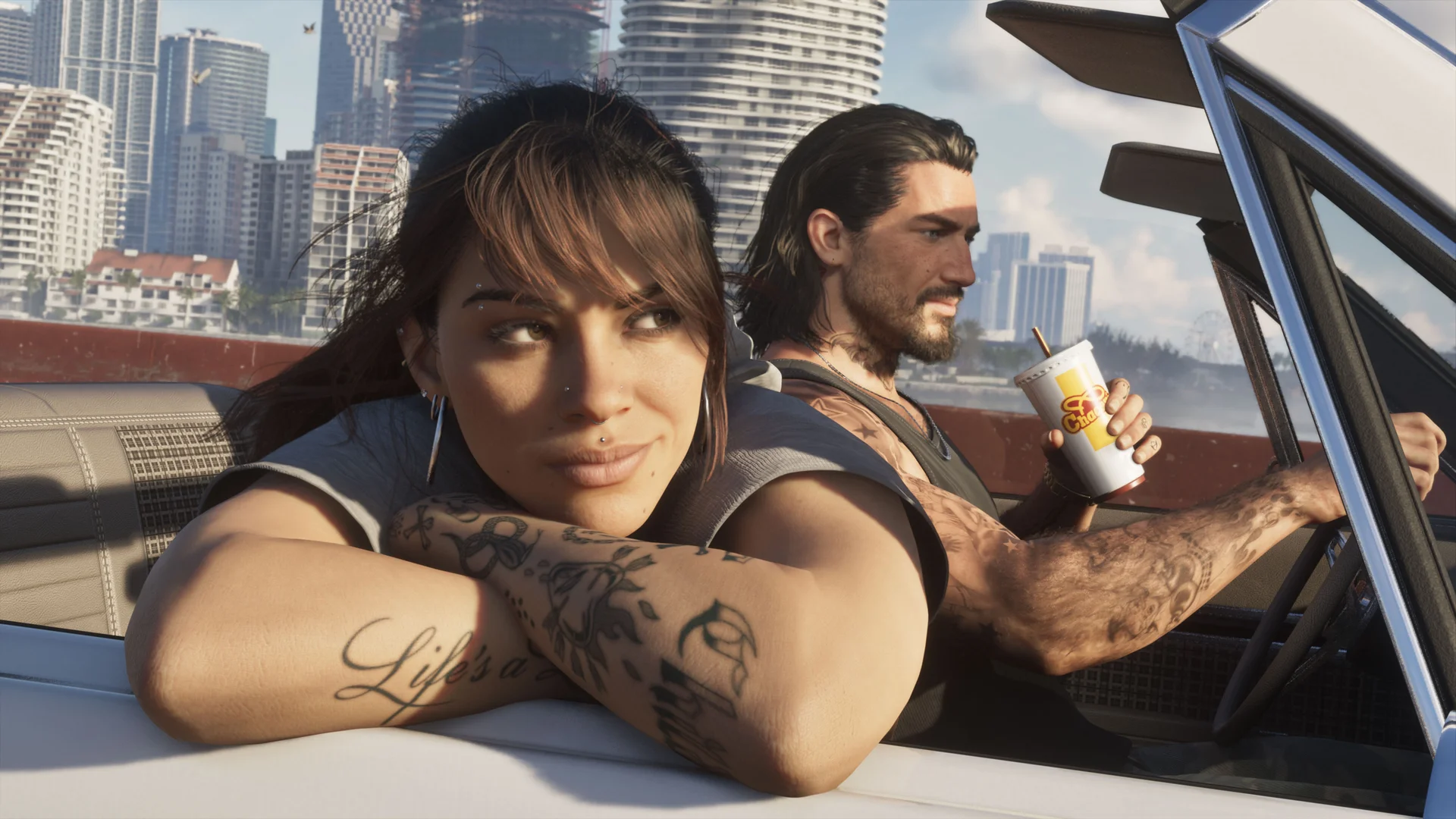
Older GTA games made you stand still and finish an animation before food did anything. GTA 6 keeps the item in your hand instead, and Kotaku’s launch tips confirm you can move, shoot, run, hold hands and even drive while holding and eating food.
The control scheme explains how. The face and shoulder buttons in GTA 6 are heavily contextual, and the consume action — drink, eat, smoke — sits on R1 on PS5 or RB on Xbox when you are holding something edible or drinkable.
That means the roadside routine changes completely. Grab food and drink at your safehouse or a store before heading out, because the buffs to health, stamina and Focus start working while you are already on your way to the job.
It also changes chases. Topping up stamina mid-escape no longer means finding a quiet alley first. Our companion piece on small controls and everyday actions goes deeper on the other contextual inputs that share these buttons.
Do not confuse the two shoulder jobs, though. R1 is also Take Cover on foot, so context decides what a press does: near a wall you take cover, holding food you eat. The game is consistent about it once you have tried both a few times.
Part 3 — Radio Through Earbuds, Anywhere on Foot
For the first time in the series, the music does not stop when you step out of a car. Buy headphones or earbuds from an electronics store — the shops marked with a headphone icon on the map — and the radio follows you on foot.
GameRant’s launch guide puts earbuds at around $120 and headphones at around $220, and notes there is no electronics store in Key Lento itself, so the closest early option is in Hamlet. Vice City has plenty once you reach it.
With them equipped, hold Left on the D-Pad and the radio wheel opens exactly as it does in a vehicle. Flick the right stick down inside that wheel and it switches to on-demand podcasts, which you can fast-forward or skip.
Two quirks are worth knowing. Jason and Lucia each need their own pair, because accessories are tracked per character. And the gear is not waterproof: dive into water wearing it and it comes off instantly, though you do not lose it.
Guides also report that headphones can be knocked off in a fight, so check your head after a brawl. Inside your house, holding R2 or RT with them equipped reportedly starts a dance, which is exactly as daft and joyful as it sounds.
Part 4 — See More: Quick Navigation, Camera Views and the Map
Holding Down on the D-Pad is the navigation trick most players never find. GTABase lists it as Quick Navigation, and launch tips describe time slowing while nearby locations, missions and points of interest appear for you to cycle through and mark.
It is faster than opening the full map, and it is the quickest way to find a gas station when the fuel light is on. A plain tap of Down instead just shows the HUD and your current objective.
The full map itself opens with the Touch Pad on PS5 or View on Xbox. If the minimap keeps fading in and out, that is the Dynamic navigation setting from your first boot, and you can switch it to Always On in Settings under UI and Navigation.
Camera distance is the one detail here that rests on thinner reporting, so treat it as reported: one launch guide describes holding Down and tapping Square on PS5, or X on Xbox, to cycle three camera positions, with separate Height options for on-foot and vehicle views waiting in the Camera settings. The settings themselves are well documented even if the shortcut is not yet widely confirmed.
Part 5 — Pause Properly and Quit to the Main Menu
Press Options on PS5 or Menu on Xbox and the game freezes outright. Beebom’s pause guide is clear that nothing keeps running in the background — not combat, not a chase, not a timer — which makes pause a genuine safety button rather than a menu layered over live danger.
From the pause screen you can check each character’s status, open the map, read your Brief, track Progress, save, retry a checkpoint or restart a mission. Beebom also notes the main menu options reached from here, including starting a new game or quitting the current session.
That quit route is the clean way out. Save first if you have made progress you care about, because quitting to the menu and closing the game from the console dashboard are not the same thing for your autosave.
One more everyday input hides here: the pause menu is also where the three control schemes live. If the new stick-click run keeps fighting your GTA 5 habits, the Classic scheme in the control settings restores the old feel, as our guide to summoning your personal vehicle readers often end up needing after their first long drive on the new layout.
Frequently Asked Questions
How do you sit down anywhere in GTA 6?
Hold Circle on PS5 or B on Xbox while on foot. Your character rests: sitting on soft ground like grass or sand, leaning against a nearby wall, or relaxing on one foot on hard surfaces. A short tap of the same button crouches instead.
Can you really eat and drink while driving in GTA 6?
Yes. Launch guides confirm food and drink stay in your hand while you drive, run and shoot. Use the contextual consume prompt on R1 or RB to eat or drink on the move, and the health, stamina and Focus buffs apply without stopping.
How do you listen to the radio on foot in GTA 6?
Buy earbuds or headphones from an electronics store, marked with a headphone icon on the map, then hold Left on the D-Pad to open the radio wheel. Flick the right stick down in the wheel for podcasts. Each character needs their own pair.
How much do earbuds and headphones cost in GTA 6?
GameRant’s launch guide reports earbuds at around $120 and headphones at around $220. Prices are reported from early play rather than an official list, so expect small differences between stores.
What does holding Down on the D-Pad do in GTA 6?
It opens Quick Navigation. Time slows and nearby places, missions and points of interest appear so you can pick one and set a destination without opening the full map. A quick tap of Down shows the HUD and objective instead.
How do you open the full map in GTA 6?
Press the Touch Pad on PS5 or the View button on Xbox. The pause menu, on Options or Menu, also contains the map alongside your Brief, Progress and save options.
Can you zoom the camera further out in GTA 6?
Camera height can be raised in the Camera settings for both on-foot and vehicle views. A shortcut that cycles three camera positions by holding Down and tapping Square or X has been reported by one launch guide, so treat that input as reported rather than confirmed.
Why does my minimap keep disappearing in GTA 6?
Your Navigation Experience is set to Dynamic, chosen at first boot. The minimap then hides during quiet moments. Switch it to Always On under Settings, UI, Navigation if you want it permanently visible while you learn Leonida.
How do you quit to the main menu in GTA 6?
Pause with Options on PS5 or Menu on Xbox, then use the menu options to quit the current session back toward the main menu. Save first if your recent progress matters, and remember pausing freezes the game completely in the meantime.
Do these hidden controls work on both PS5 and Xbox?
Yes. Every input in this guide exists on both consoles with the matching buttons: Circle is B, Square is X, Triangle is Y, Cross is A, and the D-Pad and stick clicks work the same way.
Final Verdict
GTA 6 rewards players who poke at the pad. Rest anywhere, eat behind the wheel, keep the radio in your ears on foot, navigate without the full map and pause without fear — five small habits that make Leonida feel less like a mission list and more like a place you actually live in.