One Confirmed Setting, and a Menu Nobody Has Seen Yet
Here is the honest answer first: Launch update, 19 November: the real menu is now visible in the released game, and its headline toggles are named in the launch update below. Rockstar has still not published GTA 6’s accessibility menu on its own pages, and there is no official feature-by-feature list to copy from. Anyone showing you a full settings list today is guessing.
What is confirmed is much narrower. In its 10 November pre-load announcement, Rockstar said the DualSense controller’s haptic feedback is fully integrated across the game on PS5, and that it is adjustable via accessibility settings.
So accessibility settings definitely exist in GTA 6. Beyond that one point, everything in this guide is either the record of what GTA V and Red Dead Redemption 2 shipped, or clearly labelled expectation for 19 November.
Key Takeaways
- Rockstar has published no GTA 6 accessibility menu or options list so far.
- The one confirmed item: on PS5, DualSense haptics, adaptive triggers and the controller speaker can be adjusted through accessibility settings.
- GTA V set the baseline with subtitles, aim assist levels, sensitivity sliders and an expanded radar.
- RDR2 went further, adding colourblind modes, speaker names on subtitles, Toggle to Run and Tap Assist.
- PS5 and Xbox system settings, including button remapping and text size, work with every game regardless of the in-game menu.
- The real menu can now be read in the released game. Its accessibility toggles include Simplified Mini Games, Auto Equip Helmet, Accessible Combat and Reduced Vehicle Damage.
Part 1 — What Is Actually Confirmed for GTA 6
The confirmed list fits in one short paragraph. GTA 6 launches on PS5 and Xbox Series X|S on 19 November 2026, and the same 10 November announcement that set out GTA 6’s confirmed 30 fps target also covered the DualSense features.
On PlayStation, the controller’s speakers, haptics and adaptive triggers are used throughout the game, and Rockstar’s wording places the controls for them in accessibility settings. That tells us the menu exists and that it covers controller feedback at minimum.
The shipped menu goes well past that one point, as the launch update below sets out. On subtitles, the in-game menu includes a Mission Only mode, a colourblind mode, button remapping, an aim assist level or a motion reduction option for GTA 6. Its support pages currently cover editions, pre-load and purchasing, not settings.
Treat any complete “leaked menu” doing the rounds as unverified rumour. Some of it may turn out to be right, but none of it comes from Rockstar, and this guide will not present it as fact.
Launch update: the menu described as unseen above can now be read directly in the game. The accessibility options sit under the Gameplay settings, and the four headline toggles are Simplified Mini Games, which simplifies inputs for mini games such as exercising, hotwiring and basketball; Auto Equip Helmet, which puts a helmet on for motorcycles and bikes and removes it when you get off; Accessible Combat, which lowers enemy health and the damage you take; and Reduced Vehicle Damage, which makes your vehicle take less damage. The game warns that Accessible Combat and Reduced Vehicle Damage change game balance significantly.
Part 2 — The Baseline GTA V and GTA Online Set
The most useful reference point is the last GTA. GTA V’s settings are comfort options rather than a dedicated accessibility menu, but they cover the areas players ask about most.
Aiming help is the biggest one. GTA V offers targeting modes ranging from Assisted Aim – Full through partial assistance to Free Aim, chosen in story mode and carried into GTA Online, where your mode also decides which lobbies you join.
Subtitles can be switched on for dialogue. The display options add an expanded radar and a GPS route line, both of which make navigation easier to follow at a glance.
Control feel is adjustable through sensitivity, deadzone and acceleration sliders, plus vibration and camera options. The current console versions add comfort toggles such as reduced motion blur, head bobbing and first-person ragdoll effects.
One honest limit: GTA V offers preset control layouts rather than full per-button remapping in-game. On console, serious remapping has always come from the system level, which Part 5 covers.
Part 3 — RDR2 Showed Rockstar Going Further
Red Dead Redemption 2 is the better guide to Rockstar’s direction, because it shipped with a wider and more deliberate set of options in 2018.
Its subtitles can show the name of whoever is speaking, which makes crowded campfire conversations far easier to follow. Its display settings include colourblind modes with palettes for different types of colour vision.
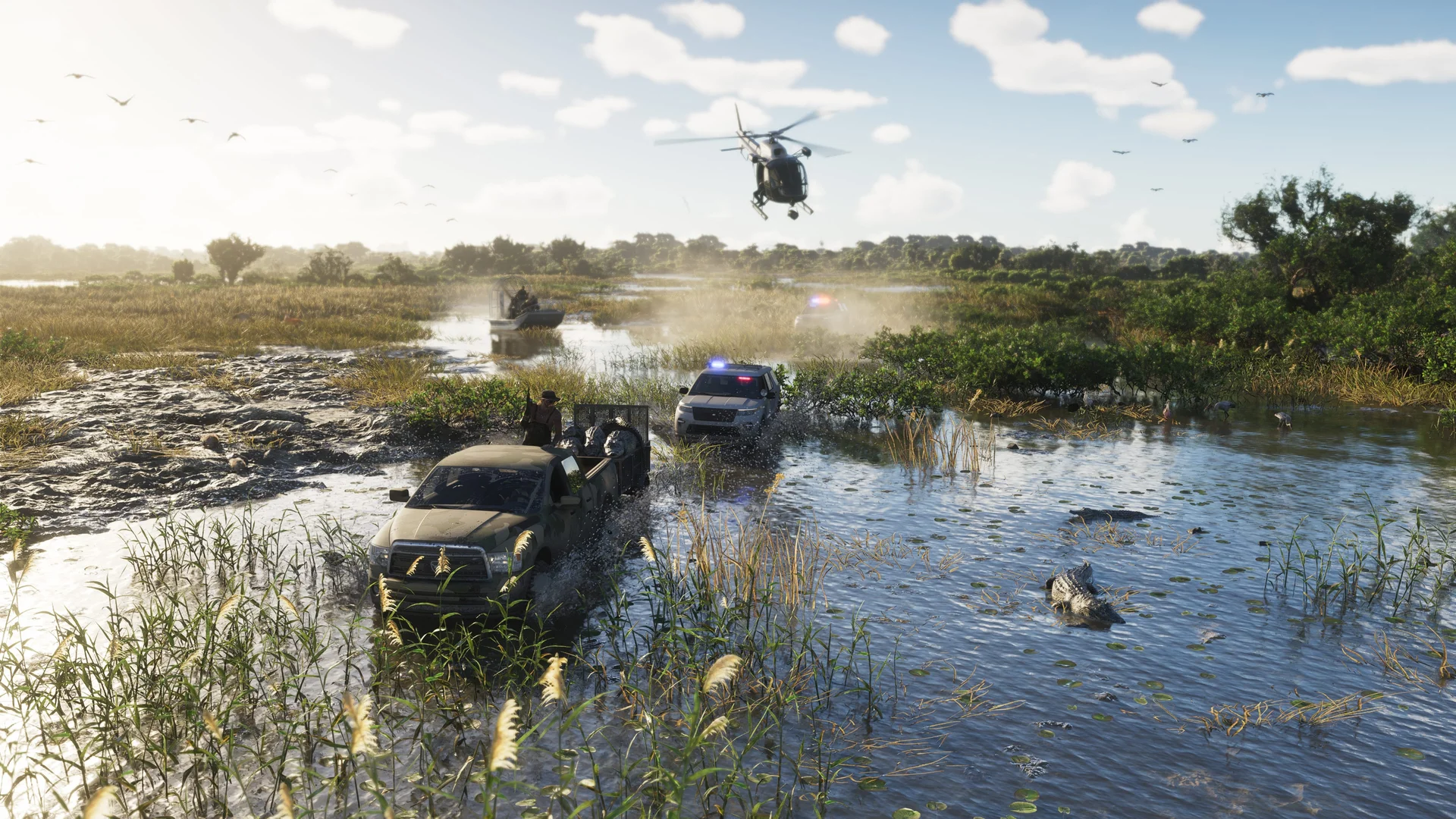
Two options matter most for tired or limited hands. Toggle to Run replaces holding a button to sprint with a single press, and Tap Assist reduces repeated button tapping to a choice of 2x, 3x, 4x or a simple hold.
Aim assist is a strength slider rather than an on-off switch, set separately for on-foot and mounted play. The interface is flexible too, with minimap styles and status icon behaviour you can pin down.
None of this confirms the same list for GTA 6. It does show that Rockstar’s last big release treated these options as standard, which is why players expect at least this much again.
Part 4 — What Players Expect GTA 6 to Ship With
Everything in this part is expectation, not confirmation. It is based on what large releases now routinely include, and on the precedent covered above.
A dedicated accessibility menu is the first expectation. Subtitle presentation is the second: size options and a background behind the text are now normal in major releases, and RDR2’s fixed-size subtitles drew criticism that Rockstar has had years to hear.
Full button remapping, hold-to-toggle conversions for repeated actions, and camera shake and motion reduction controls are also widely expected. Separate volume sliders for dialogue, effects and music are a reasonable expectation too.
The reasoning is simple. Both console makers publish accessibility guidelines and store labels, and Rockstar’s own options grew between GTA V and RDR2. A step backwards would be a surprise, but surprise is not confirmation, and the real answer arrives with the game.
Part 5 — The Console Safety Net That Works Either Way
Whatever GTA 6’s own menu holds, your console already guarantees a floor of support, because system-level tools apply to every game.
On PS5, system accessibility settings include custom button assignments, adjustable text size and bold text, high contrast, colour correction filters and a Reduce Motion option. Sony’s Access controller adds swappable caps and ports for external switches.
On Xbox, you get system-wide button remapping, Copilot, which lets two controllers act as one, plus Narrator, Magnifier and high contrast. The Xbox Adaptive Controller remains the deepest hardware option on either platform.

This matters for cloud players too. If you are playing GTA 6 on an Xbox One through cloud gaming, your console’s own accessibility tools still apply on your side of the stream, even though the game itself runs at Series S settings.
So set up your system preferences before launch day. They take minutes, they carry across every game you own, and they do not depend on Rockstar’s menu at all.
Part 6 — Your First Five Minutes in the Menu on Day One
When the game unlocks on 19 November, resist starting the story immediately. Open the settings first, while nothing is shooting at you.
Turn subtitles on before the opening cutscene, and add speaker names if the option is there. Set your aim assist level next, because changing it later can feel like relearning the game.
Look for hold-to-toggle options for sprinting and repeated actions, and set camera shake and motion blur to whatever keeps you comfortable. If the in-game choices fall short, drop back to your console settings for remapping and text size.
Five minutes of setup on day one is the difference between fighting the controls and forgetting them. Once the real menu is visible, this guide will be updated with the confirmed option names.
Launch Update: Comfort, Camera and Subtitle Controls
Motion and camera comfort are adjustable sliders rather than simple on-off switches. Motion Blur Strength is a Display slider that starts at a default of 3, and Camera Bob is a Camera comfort slider that starts at a default of 10, alongside Camera Shake and Weapon Sway controls. Turning Motion Blur Strength down and Camera Bob down are the first changes worth trying if fast movement feels uncomfortable.
Subtitles have more depth than the pre-launch pages expected. The subtitle mode includes a Mission Only setting, which shows subtitles only in key gameplay and story moments, alongside size choices and speaker-name and background options reported in launch settings walkthroughs. Set the subtitle mode before the opening cutscene, because the first-start setup choice carries into the full menu.
Frequently Asked Questions
Has Rockstar published GTA 6’s accessibility settings?
No. No official menu or feature list has been published. The only confirmed detail is that DualSense haptics, adaptive triggers and the controller speaker are adjustable via accessibility settings on PS5.
What is the one confirmed accessibility feature in GTA 6?
Controller feedback control on PlayStation 5. Rockstar’s 10 November announcement says the DualSense features are used across the game and can be adjusted in accessibility settings.
Will GTA 6 have subtitles?
Not confirmed. It is a strong expectation, because both GTA V and RDR2 shipped with subtitles, and RDR2 added speaker names, but Rockstar has not confirmed a GTA 6 subtitle setting yet.
Will GTA 6 have a colourblind mode?
Not confirmed. RDR2 included colourblind palettes in its display settings, so there is a clear precedent, but no equivalent GTA 6 option has been announced.
Can you remap buttons in GTA 6?
In-game remapping is unconfirmed. Either way, both consoles offer system-level button remapping that works with every game, so you will be able to remap regardless of Rockstar’s menu.
Will GTA 6 have aim assist?
Not confirmed. GTA V offered several assisted aim modes and RDR2 used a strength slider, so some form of aim assistance is widely expected, but Rockstar has not documented GTA 6’s modes.
What if holding buttons down is difficult?
RDR2’s Tap Assist and Toggle to Run are the precedent to look for in GTA 6’s menu. At system level, Xbox Copilot and the Adaptive Controller, and Sony’s Access controller, all work independently of the game.
Do PS5 system accessibility settings work with GTA 6?
Yes. Text size, bold text, high contrast, colour correction, Reduce Motion and custom button assignments are applied by the console itself, so they work with GTA 6 like any other game.
What about players streaming GTA 6 on Xbox One?
The game streams at Xbox Series S settings, and your Xbox One’s own system accessibility tools, including remapping and Copilot, still apply on your console while you play.
When will the full settings list be known?
At launch on 19 November 2026, when the menu can be read directly in the released game. Rockstar may also publish support pages around release, but the game itself is the reliable source.
The Bottom Line
The truthful summary is short: GTA 6 has accessibility settings, DualSense feedback control is confirmed, and nothing else is official yet. GTA V and RDR2 set a decent bar, modern releases set a higher one, and your console guarantees a safety net underneath both.
Check the menu before the opening cutscene on 19 November, set up your system options in the meantime, and treat any full settings list published before launch as a rumour, however confident it sounds.