

How Much Storage Does GTA 6 Need? The Short Answer
GTA 6 needs up to 212 GB of free space for its pre-load file, depending on your device, according to Rockstar Games' announcement on 3 November 2026.
That is the headline figure to plan around. Keep more than 212 GB free, not exactly 212 GB, because installation needs working space, and future updates will need room after launch.
On a 512 GB Xbox Series S, that figure takes more than half the usable storage. On larger PS5 and Xbox Series X drives, it takes roughly a quarter to a third.
This is an independent unofficial fan guide. It is not affiliated with Rockstar Games or Take-Two Interactive.
Key Takeaways
- Pre-load file: up to 212 GB of free space, depending on the device, per Rockstar's 3 November 2026 announcement.
- Plan for more than 212 GB free. A drive reporting exactly 212 GB free may still fail an install.
- Earlier leaked figures put the PS5 file at about 210 GB. Rockstar's "up to 212 GB" figure supersedes those leaks for planning.
- Approximate usable storage: original PS5 about 667 GB, PS5 Slim about 848 GB, Xbox Series X about 802 GB, Xbox Series S about 364 GB.
- GTA 6 as a share of usable storage, at 212 GB: about 32% on original PS5, 25% on PS5 Slim, 26% on Xbox Series X, and 58% on Xbox Series S.
- No separate per-console file size has been published by Rockstar, so plan for the full 212 GB on every console.
- Boxed buyers need the same space. The box holds a download code, not a disc, so there is no smaller boxed install.
1. The Confirmed Figure: Up to 212 GB
Before Rockstar's announcement, the storage figure came from leaks and backend store data. PlayStation Game Size, an account that tracks PlayStation Store backend data, reported about 210 GB for the PS5 Standard Edition in late October 2026.
On 3 November 2026, Rockstar confirmed the planning figure itself: the pre-load file will require up to 212 GB of free space, depending on your device. That wording is deliberate, because game sizes often differ slightly between PlayStation and Xbox.
For a player, the difference between 210 GB and 212 GB does not change the plan. Both figures mean the same thing in practice: clear a large block of space before pre-load week, and do not treat the headline figure as the total space you will ever need.

2. Why "Up to" and "Depending on the Device" Matter
Rockstar has not published a separate file size for PS5, PS5 Pro, Xbox Series X, and Xbox Series S. Until it does, no guide can honestly state a different confirmed size for each console.
"Up to 212 GB" should therefore be read as a ceiling for planning, not as a promise that every console needs exactly 212 GB. Your console may need slightly less, but planning for less and then finding you need more, during pre-load week, is the failure to avoid.
Check your console's storage screen after pre-load, not before, if you want your real installed size. Before pre-load, the only safe number is the full 212 GB, plus a buffer.
3. What 212 GB Means on Each Console
Usable storage is what is left after system software, and it is smaller than the headline drive size. The figures below are reported usable figures, labelled approximate, because they vary by model and system version.
On an original PS5 with an 825 GB drive, usable storage is about 667 GB. GTA 6 at 212 GB would take about 32% of that, leaving about 455 GB for everything else.
On a PS5 Slim with a 1 TB drive, usable storage is about 848 GB. GTA 6 at 212 GB would take about 25%, leaving about 636 GB.
On an Xbox Series X with a 1 TB drive, usable storage is about 802 GB. GTA 6 at 212 GB would take about 26%, leaving about 590 GB.
On an Xbox Series S with a 512 GB drive, usable storage is about 364 GB. GTA 6 at 212 GB would take about 58%, leaving about 152 GB. That is the tightest case, and Series S owners should plan storage first, not last.

4. How Much Extra Space to Keep Free
Keep well over 212 GB free before pre-load week, not exactly 212 GB. A useful planning target is 250 GB free or more, if you can manage it, to cover installation working space and room for future updates.
That 250 GB target is a planning recommendation from this guide, not a Rockstar figure. It is based on the simple point that consoles need working space to install and patch, and that a drive filled to the last gigabyte is a common cause of failed installs.
Future update sizes are unconfirmed. A day-one patch, if one appears, has no confirmed size, and later updates and any Online mode will add to the total over time. A buffer now is cheaper, in time and frustration, than a forced clear-out later.

5. The Xbox Series S Problem, in Plain Terms
The Xbox Series S is the console where GTA 6 storage hurts most. With about 364 GB usable, a 212 GB game leaves about 152 GB, which is less than many single modern games.
A Series S owner with several large games installed will almost certainly need to delete or move games before pre-load week. That is not a fault with the console. It is the arithmetic of a small drive meeting one of the largest games of the generation.
Series S owners should also remember that the Series S has no disc drive. A boxed code-in-box copy is still a download, so there is no disc route that saves space. Every Series S player downloads the full file.

6. How to Free Space Before Pre-Load Week
Start with games you have finished and are unlikely to replay soon. Deleting a game removes its install, but your save data, purchases, and licences stay tied to your account, so a deleted game can usually be downloaded again later.
Next, look at games you have not opened in months. A large, unplayed game is a better candidate for deletion than a small game you play weekly, even if the small game is easier to delete.
Check for duplicate installs, captured video, and old screenshots too. Those files are smaller than games, but they add up, and clearing them is free space without losing a game.
Do this work before 10 November 2026, when digital pre-load opens. Clearing space while a 212 GB download is already running is slower, messier, and more likely to interrupt the install.
7. Expanding Storage: PS5 and Xbox Options
If deleting games is not enough, both console families offer expansion, but the options are different, and compatibility matters.
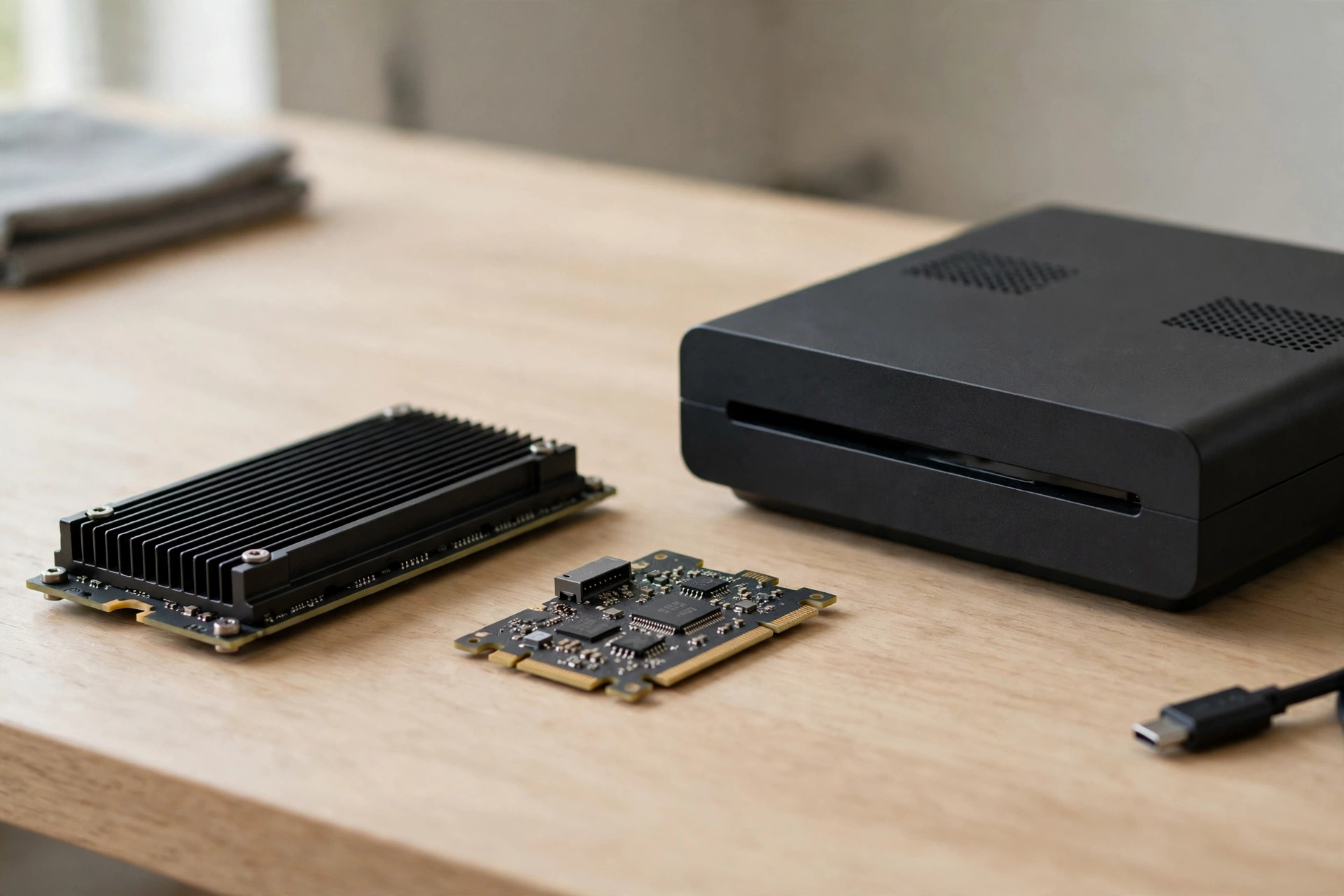
On PS5, internal storage can be expanded with a compatible M.2 SSD, with sizes reported from 250 GB to 8 TB. Check Sony's compatibility requirements for speed, size, and heatsink before buying, because not every M.2 drive qualifies.
On Xbox Series X|S, storage is expanded with Microsoft's proprietary expansion cards, which slot into the back of the console. Check the card size and price for your region, and confirm it is an official Xbox expansion card, not a generic USB drive used as game storage.
External USB drives can store games on both families, but they cannot always run current-generation games directly from USB. Check your console's storage guidance before assuming a USB drive solves the problem.
8. Boxed Copies, Digital Copies, and Storage
Boxed and digital buyers need the same storage. That surprises some players, who expect a disc to save download space, but GTA 6 has no disc.
The boxed version holds a download code, and redeeming that code downloads the same pre-load file as a digital purchase. The box is a retail package and a keepsake, not a storage shortcut.
Digital buyers pre-load from 10 November 2026. Boxed buyers go on sale on 12 November 2026 and download after redeeming their code. Both routes end with the same file, on the same drive, needing the same free space.
9. Download Time Is a Storage Planning Factor Too
Storage and download time are linked, because a failed install wastes both. A download that stops halfway, because the drive filled up, must be fixed and resumed, and that costs hours on top of the original download time.
As a rough guide only, a 210 GB download at a steady 100 Mbps takes about four hours and forty minutes, at 50 Mbps more than nine hours, and at 25 Mbps close to nineteen hours. Those are arithmetic estimates, not Rockstar promises.
A wired connection is usually more stable than Wi-Fi for a download this large, and starting pre-load as soon as it opens gives the longest window to finish before launch day.
10. After Launch: Storage Keeps Growing
Launch day is not the end of the storage story. Games of this size receive patches, updates, and new content after launch, and each one needs free space.
GTA 6 Online timing is disputed and unconfirmed, but any Online mode, when it arrives, will add to the install over time. That is another reason to keep a buffer, rather than filling the drive exactly to the pre-load figure.
Revisit your storage after launch week. If GTA 6 plus your other games leaves almost no free space, that is the moment to expand storage or to rotate games, before the next update forces the decision at a worse time.
Frequently Asked Questions
How much storage does GTA 6 need?
Up to 212 GB of free space for the pre-load file, depending on the device, according to Rockstar's announcement on 3 November 2026.
How much free space should I actually keep?
More than 212 GB. This guide recommends planning for 250 GB free or more, to cover installation working space and future updates.
Is GTA 6 bigger on PS5 or Xbox?
No separate per-console size has been published by Rockstar. Plan for the full 212 GB on every console until Rockstar states otherwise.
How much storage does GTA 6 take on Xbox Series S?
At 212 GB, about 58% of the Series S's approximate 364 GB of usable storage, leaving about 152 GB for everything else.
How much storage does GTA 6 take on PS5?
At 212 GB, about 32% of an original PS5's approximate 667 GB usable storage, and about 25% of a PS5 Slim's approximate 848 GB.
How much storage does GTA 6 take on Xbox Series X?
At 212 GB, about 26% of the Series X's approximate 802 GB of usable storage, leaving about 590 GB.
Do boxed copies need less storage than digital?
No. The boxed version holds a download code, not a disc, so boxed and digital buyers download the same file and need the same space.
Will GTA 6 need more storage after launch?
Almost certainly, over time, through patches and updates, though no patch or update size is confirmed. Keep a buffer beyond the pre-load figure.
Can I expand my console storage for GTA 6?
Yes. PS5 uses compatible M.2 SSDs, and Xbox Series X|S uses official expansion cards. Check compatibility requirements before buying.
What if I do not have 212 GB free?
Delete or move games you have finished or have not played in months, before pre-load week, or expand your storage. Starting pre-load without enough free space risks a failed install.
Final Verdict
GTA 6 needs up to 212 GB of free space, and that single figure should drive your whole pre-launch storage plan.
Keep more than 212 GB free, clear space before 10 November 2026, and treat the Xbox Series S as the tightest case, where GTA 6 alone takes well over half the usable drive.
Storage is the least glamorous part of launch preparation, and it is also the easiest to get right. Clear it early, keep a buffer for updates, and launch day can be about playing instead of deleting games in a panic.